
We encourage you to explore the full structure of the application before using it on the water. You can take a closer look at the menu hierarchy using this interactive view. To ensure you don’t miss any functionality, you can zoom in and out on the display and scroll across the view to examine all available elements. Furthermore, for a quick reference, clicking on any individual menu element will instantly provide a short description of its function.
 Main menu
 Current timerHere you can adjust all settings for the individual timers.
 Reset
ResetWhen you select this all race informations for the timer will be reset – that means the count down will be reset to the last specified count down time and all recorded finish data are deleted from the timer.
 Name
NameChange the name of the timer – can be used to identify the race, fx. 49fx
 Set start time
If you want to start at a specific time – fx. precise at 10:00:00 this is the menu you should use. When you set the time using this method the app will calculate the count down time automatically and start the count down.
 Count down mode
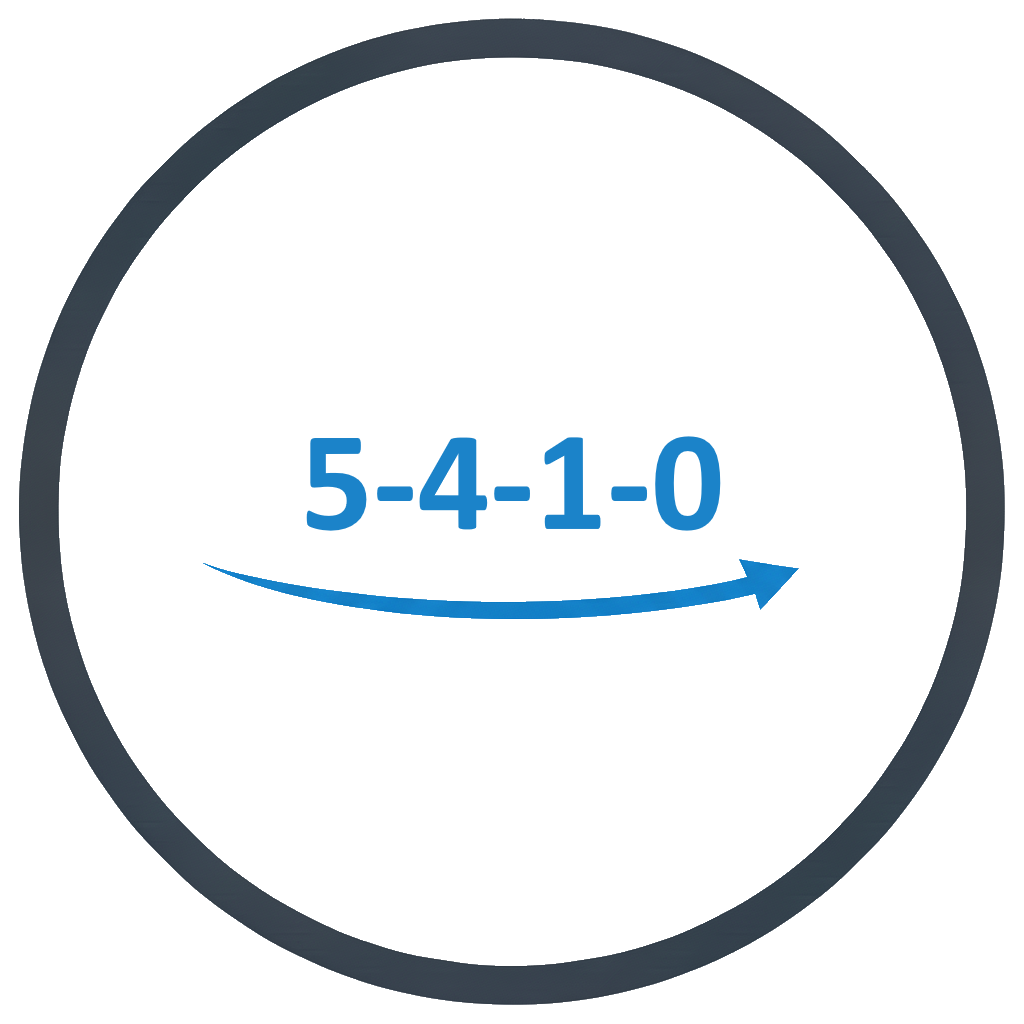 5-4-1-0
Use the normal RSS26 count down mode.
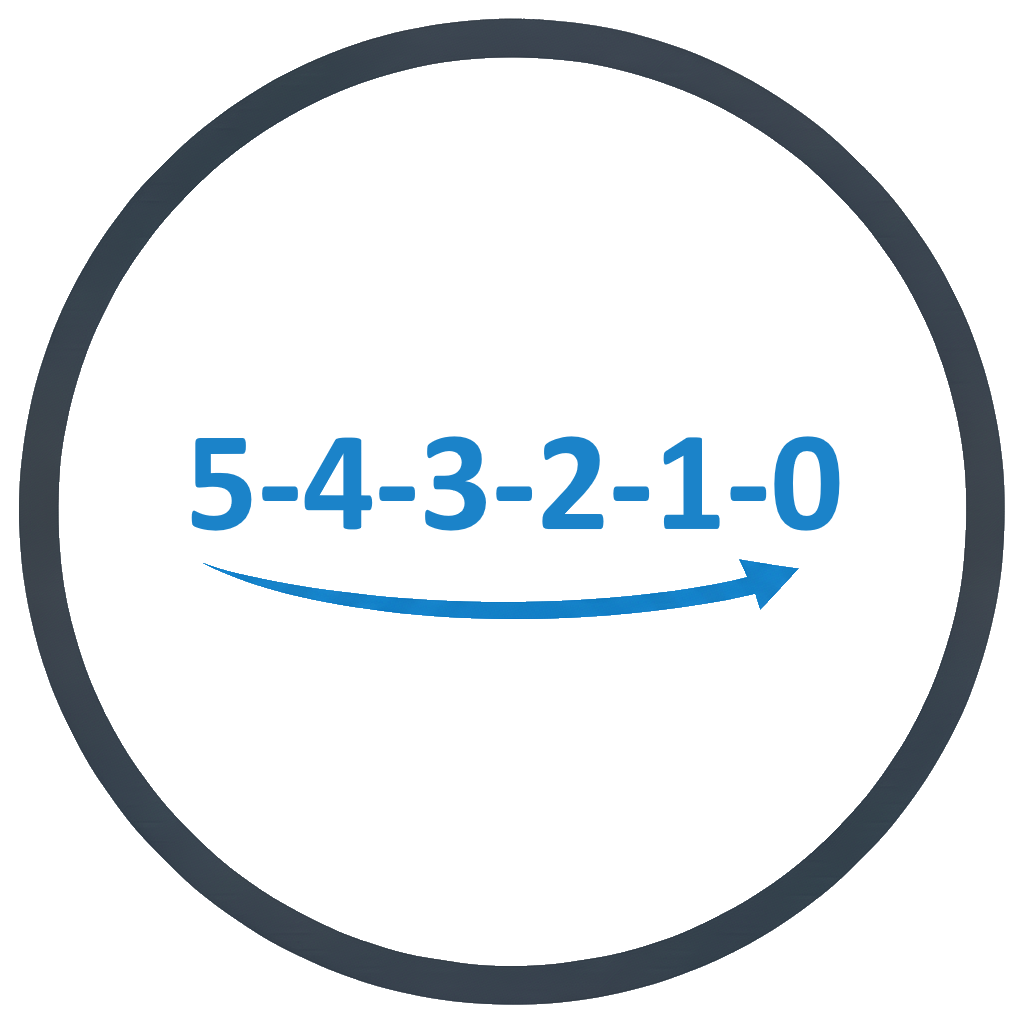 5-4-3-2-1-0
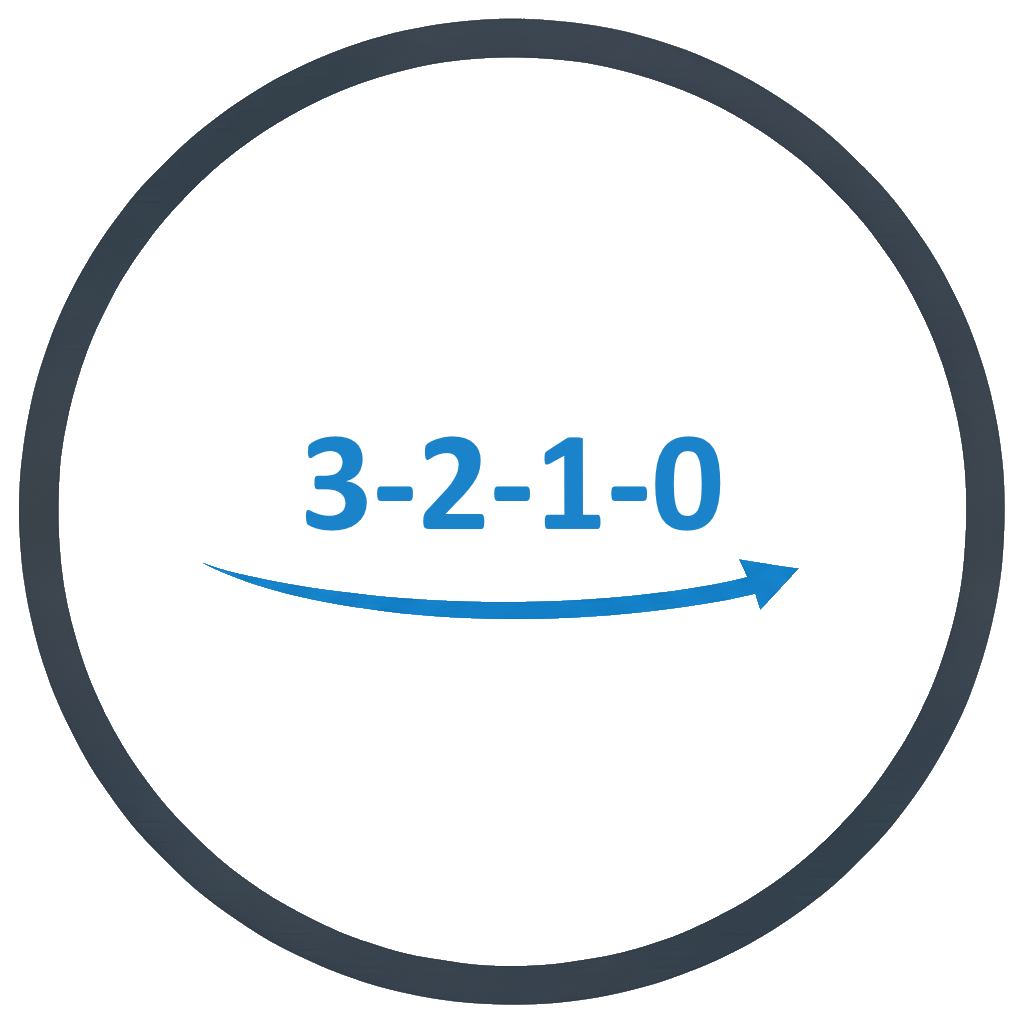 3-2-1-0
 Finishing mode
 Course
 Timestamps
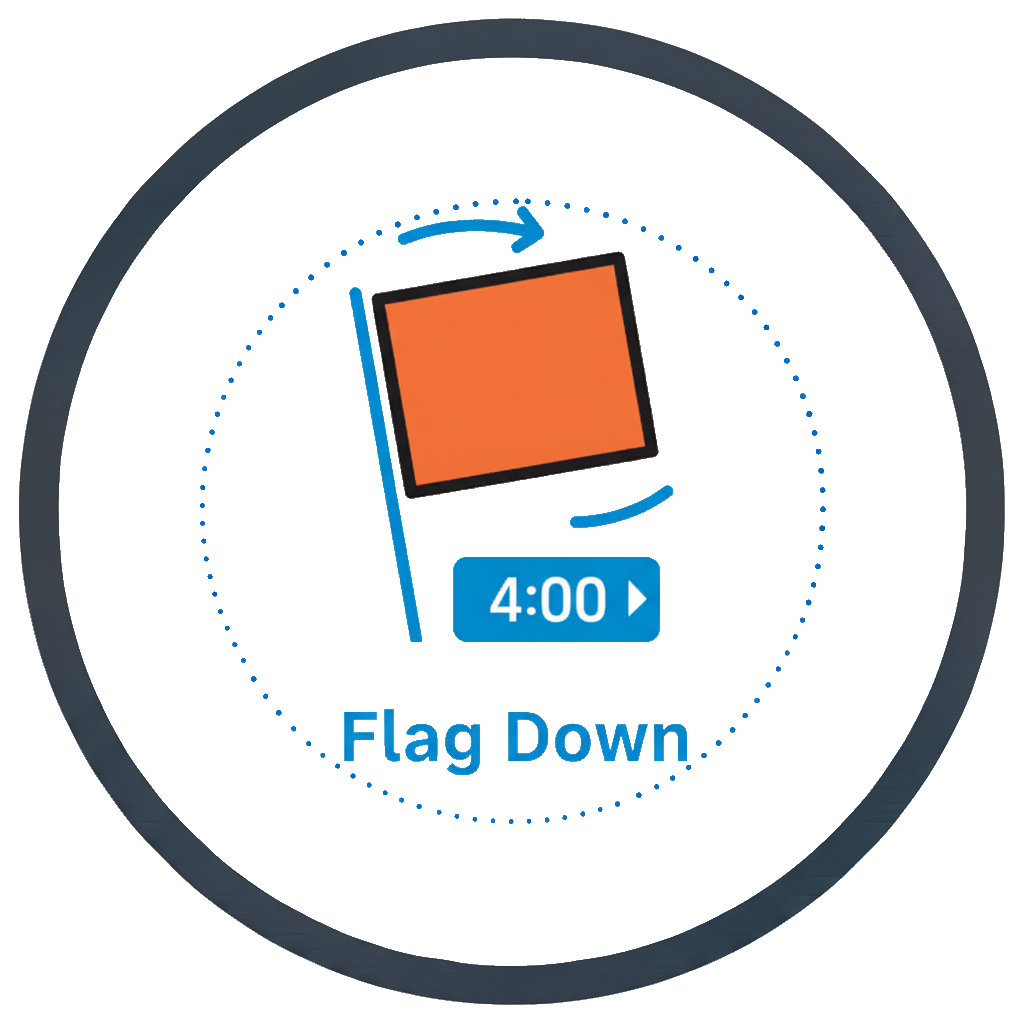 Use +4min reminder
 Yes
Yes No
No
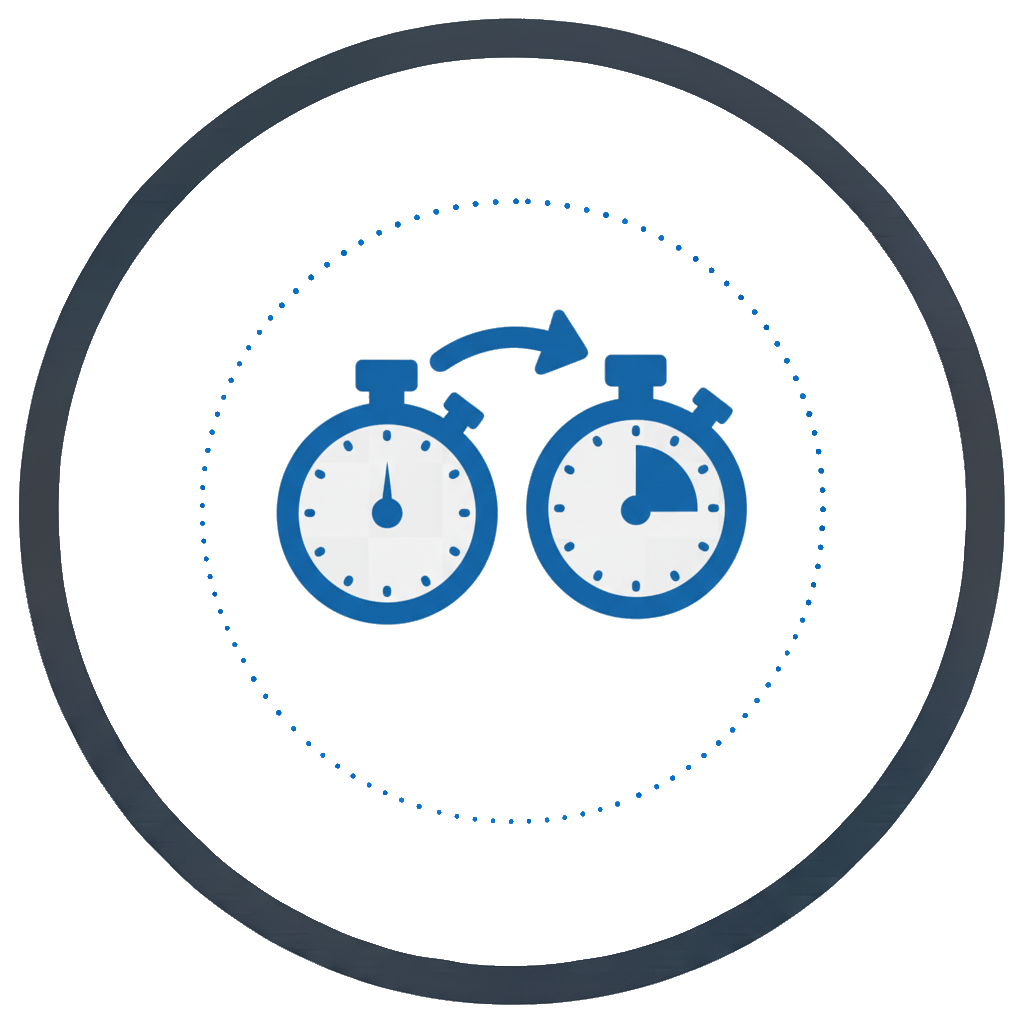 Parent timer
 None
None X: [name]
 Select timer
Select the timer you want to use as the active timer.
- X: [name]
 Time source
Select which time source you want to use.
 GPS
GPSUse the GPS/GNSS receiver to sync the time.
 Internal clock
Don’t sync the clock with the GPS/GNSS systems
 Start mode
 Instant
 Minute (smart)
 Minute (next)
 About
AboutShow the app version and other relevant informations about the app.